The Practical Answer
Write the result and its boundaries before turning a request into task cards. Use the worked example below to describe what will be delivered, what is excluded, who accepts it and how a new request will be handled. Keep the brief in plain text first; moving it into your team’s chosen tool is a separate step. This is an original illustrative working method, not a claim that we tested every task app or that every app has the same features.
Images are AI-generated conceptual illustrations, not product screenshots, measured results, or wiring instructions.
Replace a vague request with a finishable result
Consider this fictional request: make a useful welcome pack for new volunteers. It sounds reasonable, but it does not say whether the result is a printed booklet, a website, a training session or a shared document. If the team starts making cards immediately, people can work toward different versions of done.
Microsoft’s scope guidance separates the purpose, output, boundaries and constraints of a project. Apply that distinction before choosing columns or tags. In our example, the result is a short welcome document for the next volunteer intake. A new website and a training course are explicitly outside this piece of work.
Ask the requester which decision is still open. If nobody has decided whether the pack is for volunteers or their supervisors, stop there and resolve the audience. Do not hide that uncertainty under a broad task named create content. A brief should expose a missing decision early, not make an unclear request look organized.
A brief you can adapt, not a form you must fill forever
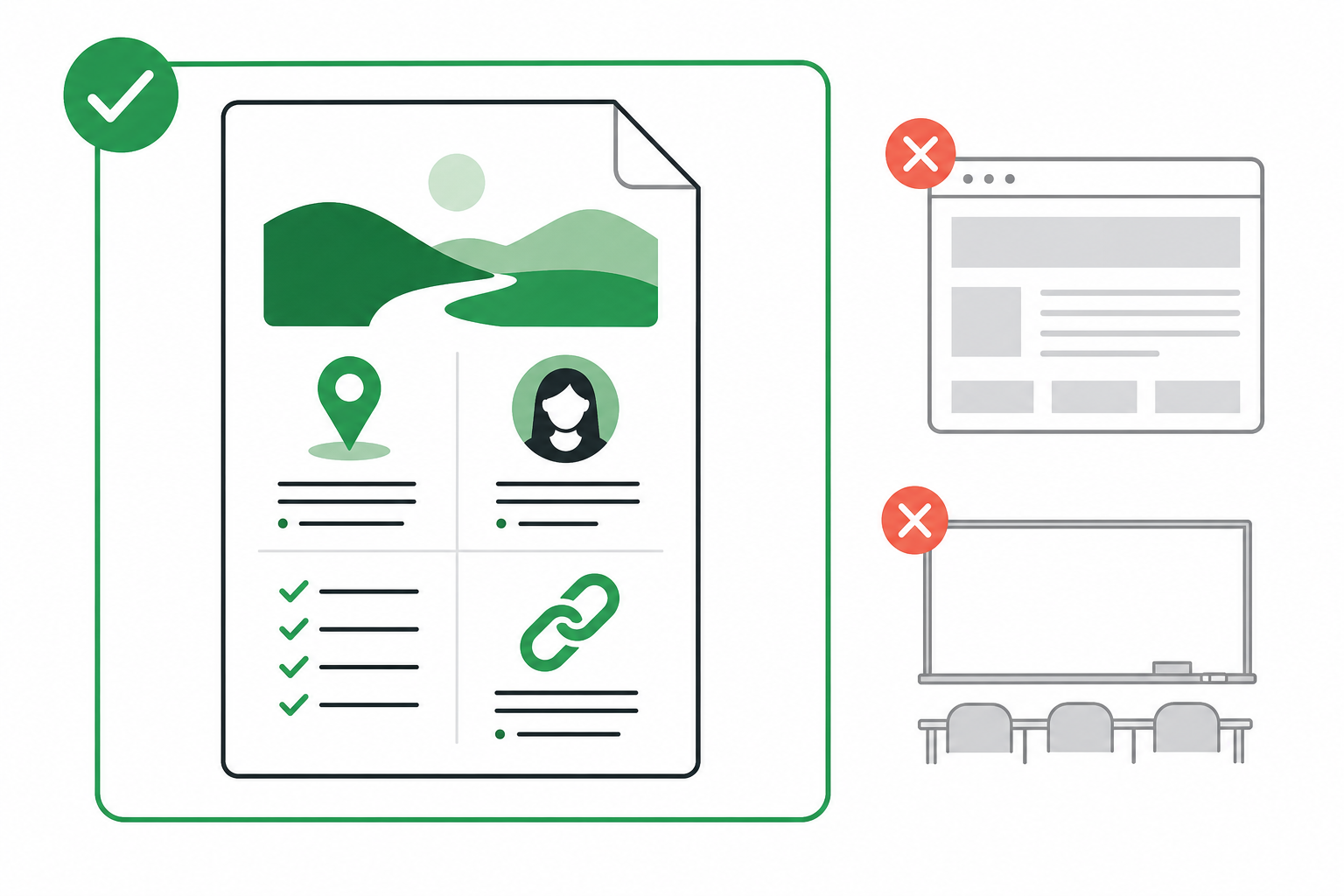
Here is an illustrative brief, with invented people and deliverables. Purpose: a new volunteer can find the information needed for their first session. Audience: people joining the next intake. Deliverable: one shared welcome document covering the meeting point, contact person, preparation checklist and links to the organization’s existing policies.
Included: draft those four parts, check the named contact and meeting details with the coordinator, and send one version for review. Excluded: rewrite the policies, build a website, translate the pack or design a training course. Acceptance: the coordinator can identify where a newcomer should go, what to bring and whom to contact without asking the writer to explain the document.
Ownership: Sam prepares the draft and Lee accepts or returns it with specific corrections. Timing: record the real review date agreed by both people; do not insert an arbitrary deadline because the template has a blank space. Unresolved question: whether a map link already exists. Sam asks Lee before creating new material.
These names and acceptance checks are our example, not Microsoft product behavior. Change them to match your work. A tiny project may need only a paragraph. Keep an exclusion when it prevents a plausible misunderstanding, rather than filling an exhaustive list of everything the project will never do.
Turn the agreed brief into a few observable tasks
After the reviewer agrees to the brief, identify the work needed to produce its deliverable. Microsoft’s guidance describes breaking the agreed scope into actionable tasks. For this example, possible task titles are confirm arrival details with Lee, draft the preparation checklist, and check that each policy link opens the intended document.
Compare those titles with a card simply called welcome pack. The smaller titles say what someone can finish and what evidence they can return. Confirmation can be a reply from the named coordinator; a link check can record which document opened. Neither result should be invented because a due date is approaching.
Move the brief and tasks into the tool your team actually uses only after checking its current documentation and your access. This article does not prescribe a particular button, permission setting, integration or import format. Where the tool cannot hold the brief in a suitable place, keep the agreed document in an approved location and make its relationship to the tasks explicit.

Handle the extra request without silently changing done
Suppose Lee later asks for a second-language version. In this example that is an addition to the agreed deliverable, not a spelling correction. Put the request beside the brief before treating it as assigned work. Record what would change, who would do it and which existing commitment would be affected.
The useful question is not whether translation sounds valuable. It is whether the team agrees to include it in this delivery. They might postpone it, change the review date or replace another part of the work. Record the actual decision and update the brief if accepted. A new card alone does not establish that agreement.
An ordinary correction is different: if the draft has the wrong meeting point, it has not yet met the original acceptance check. Return that item to its owner with the observed mismatch. Do not expand the project merely to fix a defect, and do not mark the whole deliverable accepted because most paragraphs are finished.
Test the brief before adding more process
Give the draft brief to its intended reviewer and ask three concrete questions: what will arrive, what is not included, and what would make you return the result? Compare their answers with what you wrote. If the answers differ, revise the ambiguous sentence rather than adding another status label.
For the welcome-pack example, success at this point is agreement about the document and its acceptance check. It is not evidence that the document already exists, that the links were checked or that volunteers found it useful. Those observations belong to execution and subsequent feedback.
After one real delivery, keep the fields that helped someone decide and remove the ones nobody used. If a repeated misunderstanding appears, add a short clarification where that decision occurs. The brief earns its place by reducing guesswork about this project, not by becoming the longest document in the workspace.